Languages and fallback
Public pages and the dashboard offer EN and ES. Dashboard language is saved per user and translations are validated before release.
Updated: 2026-10-04What this covers
Public pages and the dashboard offer EN and ES. Dashboard language is saved per user. Interface copy lives in centralized resources and automated validation detects missing translations.
Steps
1. Use the ES/EN selector in the dashboard top bar.
Switch the dashboard language between Spanish and English.
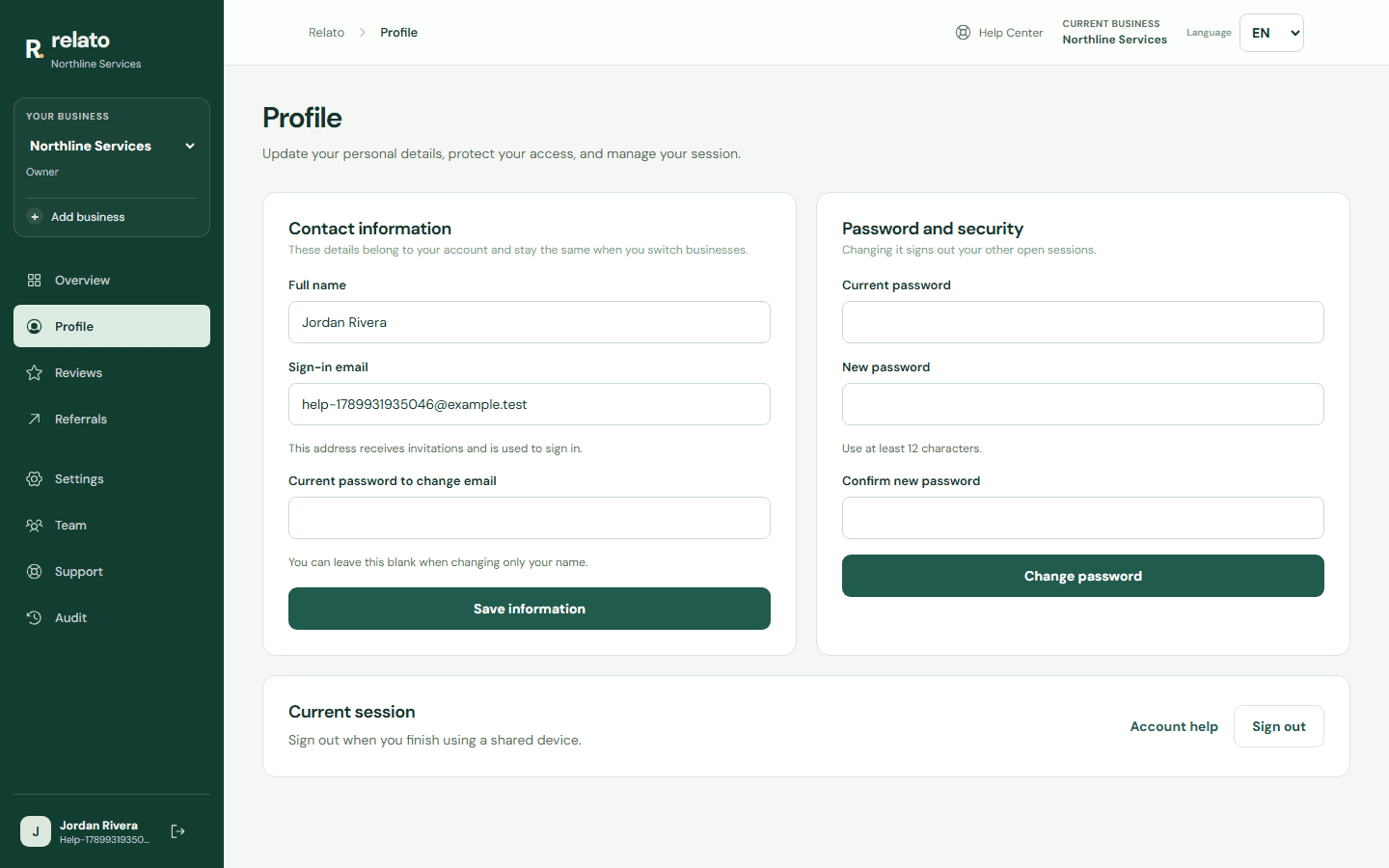
Switch the dashboard language between Spanish and English.
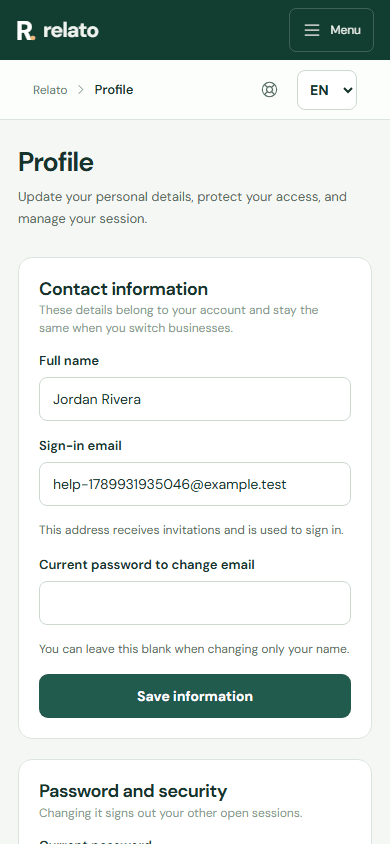
2. Open another section or reload the page to confirm the preference persists.
3. Configure the initial language for public links separately under Settings.
Limits
Business-authored content, such as service names and custom fields, stays in its source language unless a specific translation exists.
First-run tour
When you first open the dashboard, Relato may show a tour of the sections available to your account. Use Continue and Back to move through it, Skip tour to leave, or close the tour to resume later. The header button reopens it: it shows Resume tour when unfinished and Repeat tour after completion. Each topic links to its Help Center guide. You do not need to save changes or complete an action to finish.
The tour follows the dashboard language and uses the sections visible in the menu. Progress is saved in this browser on this device; it does not sync to other devices or validate permissions on the server. Access to each section remains subject to your business permissions.
Search another guide or submit a ticket from your dashboard.