Privacy and data
Consent text is stored with referral submissions. Staff can delete review sessions and referral leads. Support destinations are never exposed in the public UI.
Updated: 2026-09-19What this covers
Consent text is stored with referral submissions. Staff can delete review sessions and referral leads. Support destinations are never exposed in the public UI.
Steps
1. Open Referrals and review the requested fields and consent text before sharing the link.
Name the link so you can recognize it later.
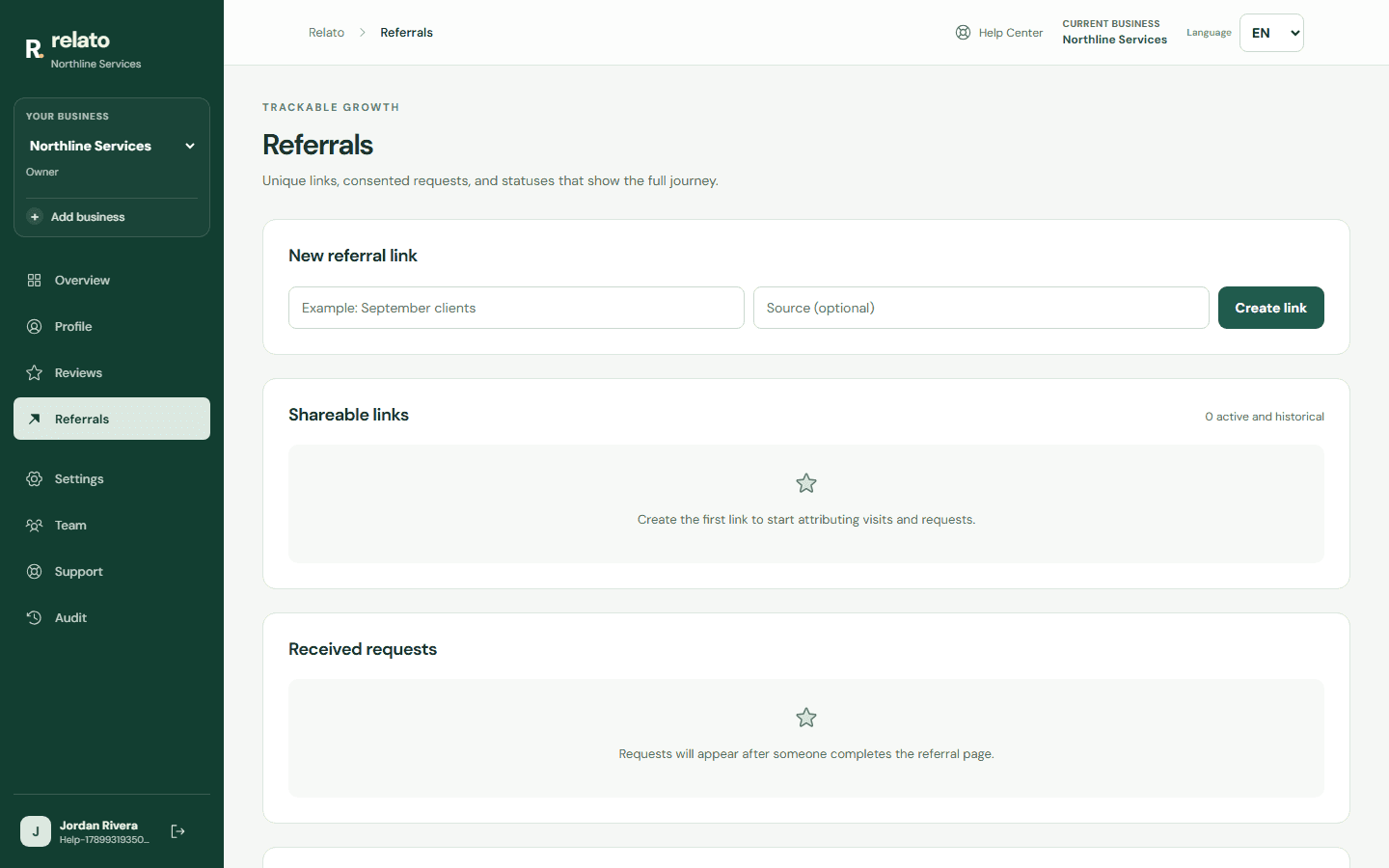
Source is optional: use it to identify where referrals come from.
Name the link so you can recognize it later.

Source is optional: use it to identify where referrals come from.
2. Send a test and confirm that consent, source, and contact details appear only in the correct business.
3. Limit access with roles and remove requests or sessions from the administrative controls when appropriate.
Limits
The product records actions it can observe. External platform publication requires separate evidence.
Search another guide or submit a ticket from your dashboard.