Google, Facebook, and clipboard
The app prepares editable text, then attempts to copy it and open the selected platform. Opening a platform does not confirm publication.
Updated: 2026-09-19What this covers
The app prepares editable text, then attempts to copy it and open the selected platform. Opening a platform does not confirm publication.
Steps
1. Complete the public flow until the generated text and available platforms appear.
Copy and open your preferred platform. Paste and publish the text there.
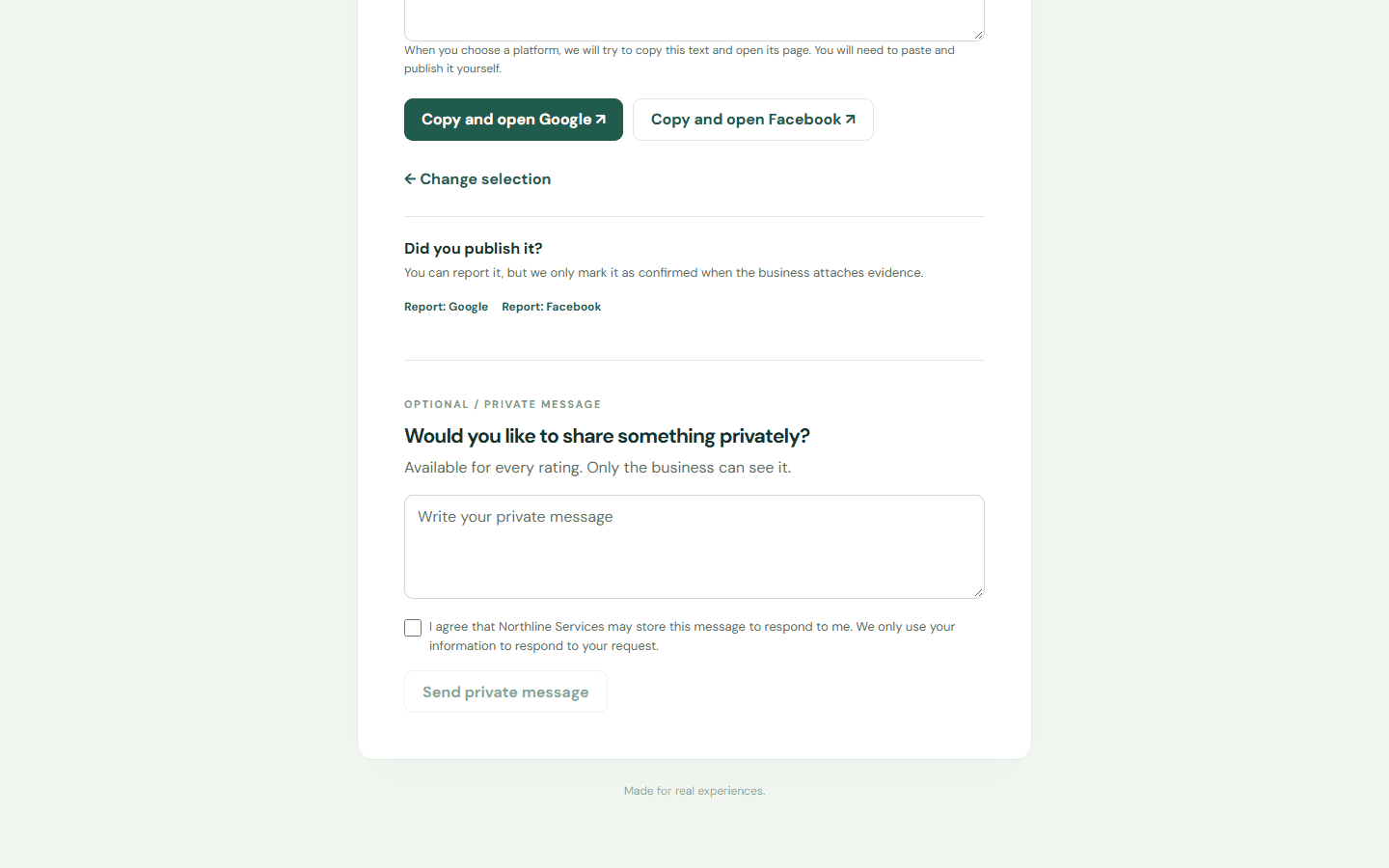
Copy and open your preferred platform. Paste and publish the text there.
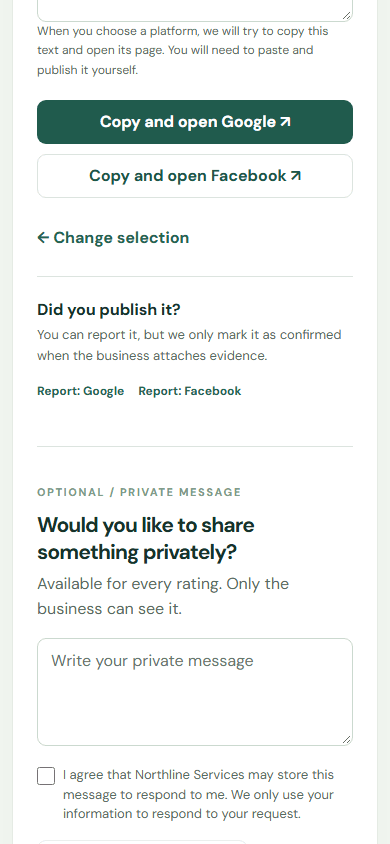
2. Edit the draft if needed and choose Copy. If the browser blocks the clipboard, select the text and copy it manually.
3. Choose Google or Facebook to open the configured page. Returning to Relato or selecting an option does not prove that the review was published.
Limits
The product records actions it can observe. External platform publication requires separate evidence.
Search another guide or submit a ticket from your dashboard.