Private feedback
Private feedback is available for every star rating and requires consent. It remains in the business workspace.
Updated: 2026-09-19What this covers
Private feedback is available for every star rating and requires consent. It remains in the business workspace.
Steps
1. Open the public review link, select a star rating, and continue to Private feedback.
Write your private message.
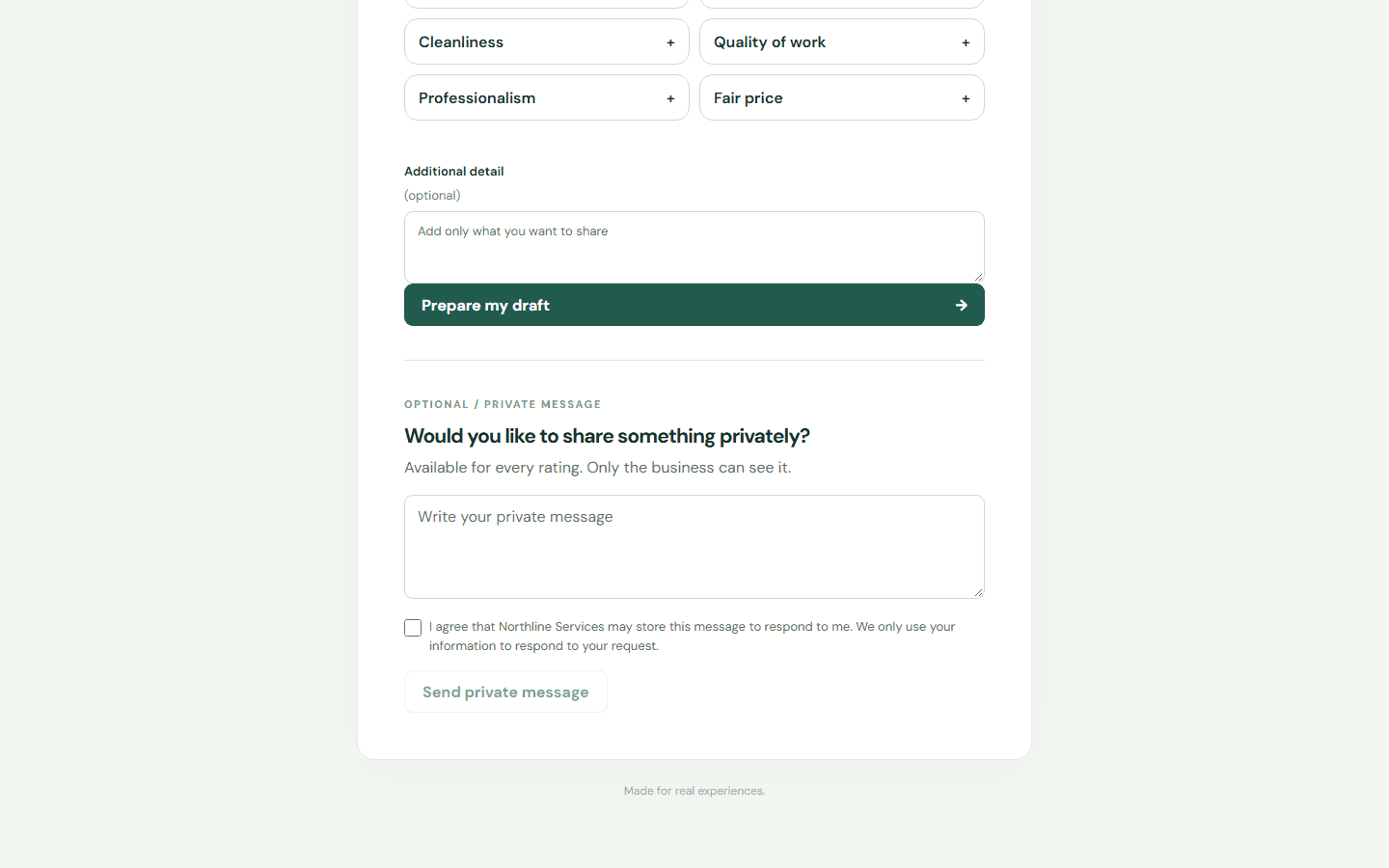
Check the consent box if you agree.
Send the private message.
Write your private message.
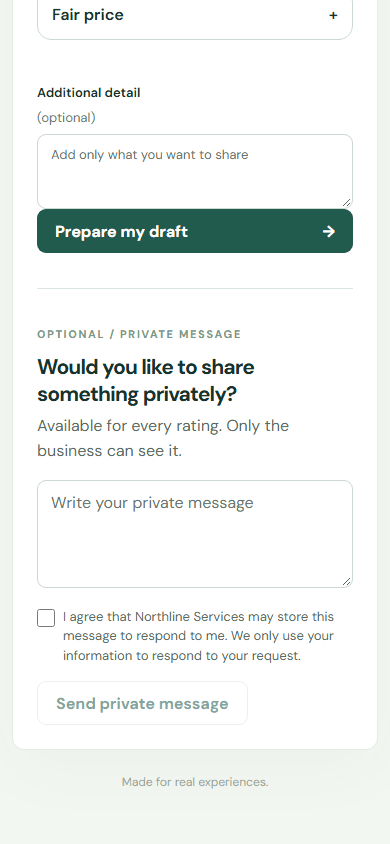
Check the consent box if you agree.
Send the private message.
2. The customer can select reasons, add a comment, and authorize follow-up before submitting.
3. Review the response from the matching business. Private feedback is not published to Google or Facebook.
Limits
The product records actions it can observe. External platform publication requires separate evidence.
Search another guide or submit a ticket from your dashboard.